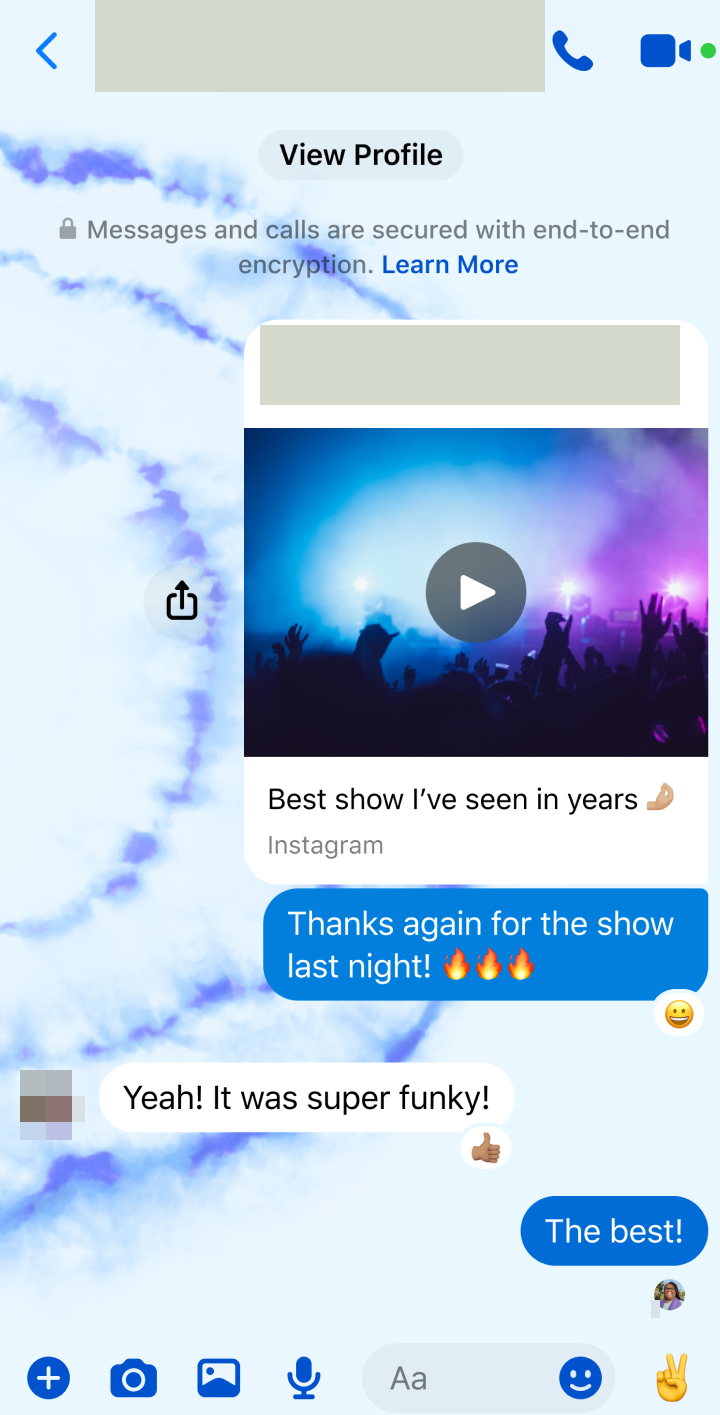
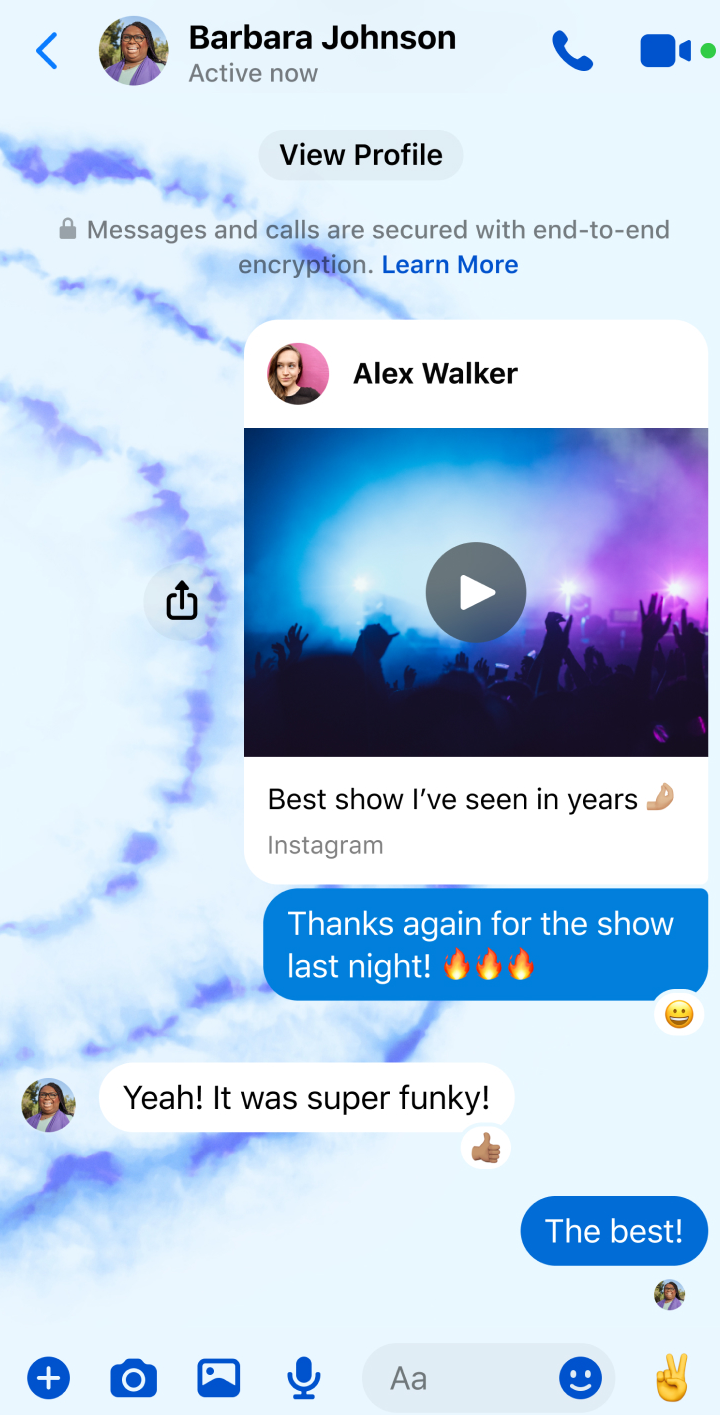

Share a Messenger conversation
United States · Messenger
Explain a support problem without exposing profile photos, names in shared cards or private contact details.
Redact a chat screenshotRedact photos and chat screenshots locally in your browser. Select names, faces or numbers, then apply solid cover, pixelation or blur. Free, no signup and no uploads.
One PDF or a batch of photos. One set of watermark settings.
Place both sides on one page, with a purpose watermark.
Arrange your images and save them as one PDF.
Choose JPG or PNG and set a target file size.
From the first preview to the final download, your files stay on your device.
United States · Messenger
Explain a support problem without exposing profile photos, names in shared cards or private contact details.
Redact a chat screenshot
United States
A whole set of client proofs needs the same wording, with one setup and a shared preview.
Client proof watermarks
United States
I need a smaller JPG copy without sending my original file to a processing service.
Compress to JPG
Mainland China
Before submitting an ID copy, I want the recipient, purpose and date to be clear.
ID purpose watermark
Mainland China
I need both sides on one page so I can check the copy before sending it.
ID front and back
France
For a rental application, I want to label the recipient and purpose of my documents on my own device.
Rental documents
France
I want to put my photos in order and save them as one PDF for submission.
Images to PDF
Germany
I want to add the same usage label to several product photos and export them together.
Product photo watermarks
Germany
The submission form has a file-size limit. I want to check the compressed result before downloading.
Meet a size limit
Spain
Before sharing a batch of photos, I want to label their use while keeping the originals on my device.
Watermark shared photos
Spain
I need to rearrange several document photos and combine them into one PDF.
Arrange images as a PDF
Brazil
Before sharing product photos, I want a purpose watermark and a preview of every image.
Share product photos
Brazil
I need a smaller JPG to send, with the text still readable.
Smaller JPG copies
Japan
I want to label a set of review images and export them together.
Review-copy watermarks
Japan
I want my photos in the right order in one PDF, rather than sending each separately.
Photos into one PDF
Taiwan
Before sharing product photos, I want to add a usage label and keep a clear copy.
Label product photo useRedact chat screenshots locally: hide names, avatars, phone numbers and private details, then inspect a flattened PNG or JPG. Free, no signup and no uploads; includes a Messenger example.
A freelance designer’s workflow for sending brand concepts and web mockups: batch text watermarks, versioned filenames, a multipage review PDF and feedback tied to page numbers. Free, local and no signup.
Prepare bug reports and customer-support screenshots locally: preserve useful error context, hide private details, and assemble redacted images into a review PDF.
No. Image and PDF processing happens in your browser.
No sign-up or payment is needed for these tools.
Use “Prepare offline” to download the tool. Keep this tab open while working.
Your original is not overwritten. Download a separate processed copy.
Tell us what you were trying to do and what would have helped. Please do not include private files.
admin@localmark.app ↗