A contract copy and a batch of product photos can need different tools. Compare file types, where files are processed and export formats to choose the right one.
Choose by the job you need to do
| Tool | Published workflow | A useful distinction |
|---|---|---|
| LocalMark | Text watermarks on one PDF or a batch of PNG, JPG and WebP images; processing in your browser | Shared image settings and synchronized previews; one image exports as PNG and a batch as ZIP |
| iLovePDF | Its PDF watermark tool supports text and image stamps | Consider it when the watermark itself must be an image or logo |
| Sejda Online | Text or image watermarks on PDFs, including page-range controls | Its online service uploads documents; Sejda Desktop is a separate offline option |
| Watermarkly | Batch photo watermarking with text and logos | Photos are processed in the browser, with text and logo options |
Sources: iLovePDF watermark tool, Sejda PDF watermark tool, and Watermarkly photo watermark tool. Consult each product’s current terms and plan before choosing it.
A practical LocalMark workflow
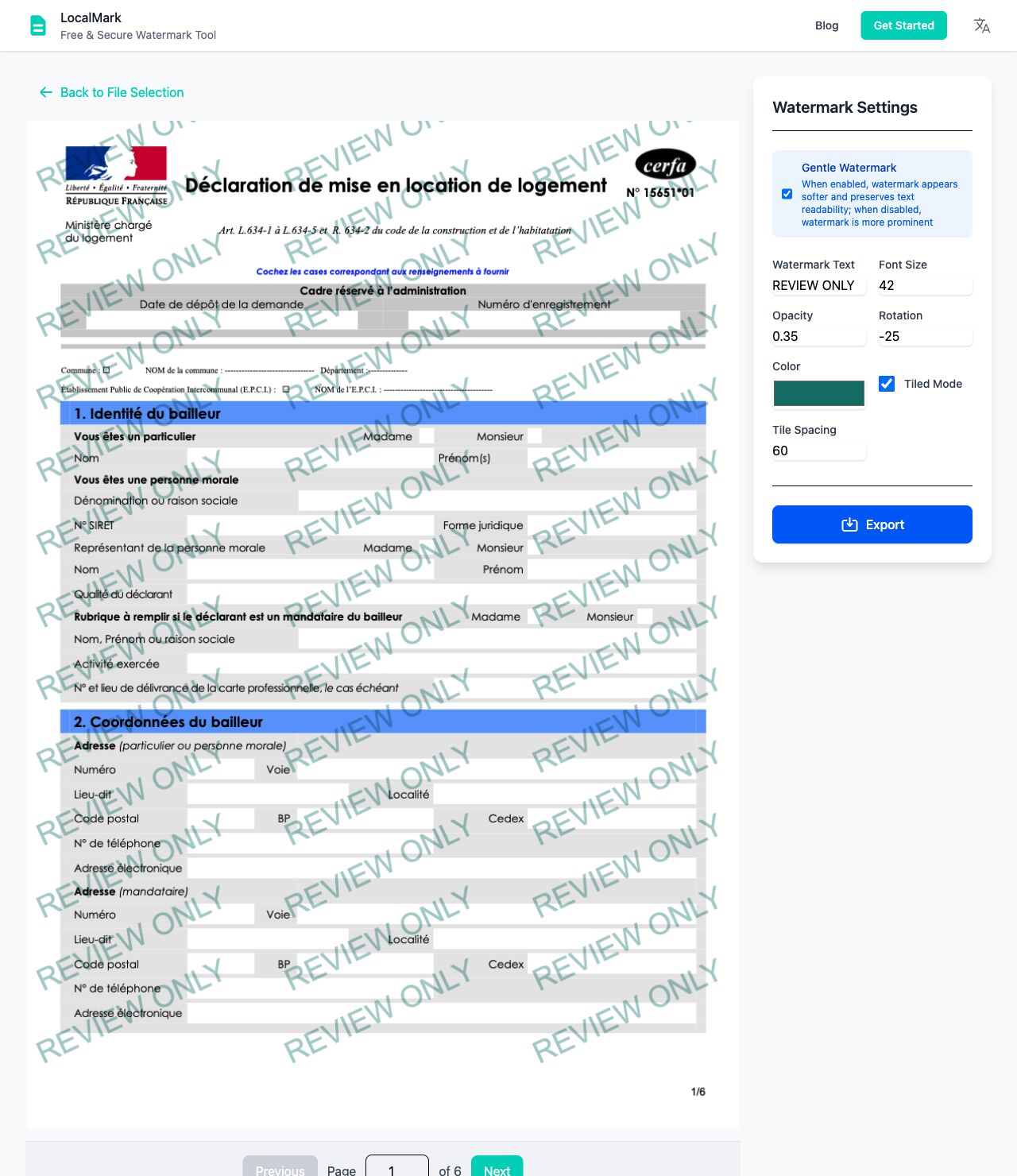
For a contract draft, open the tool, choose one PDF, enter “Review only”, lower the opacity and preview the pages before downloading. See the PDF watermark guide for the export tradeoffs.
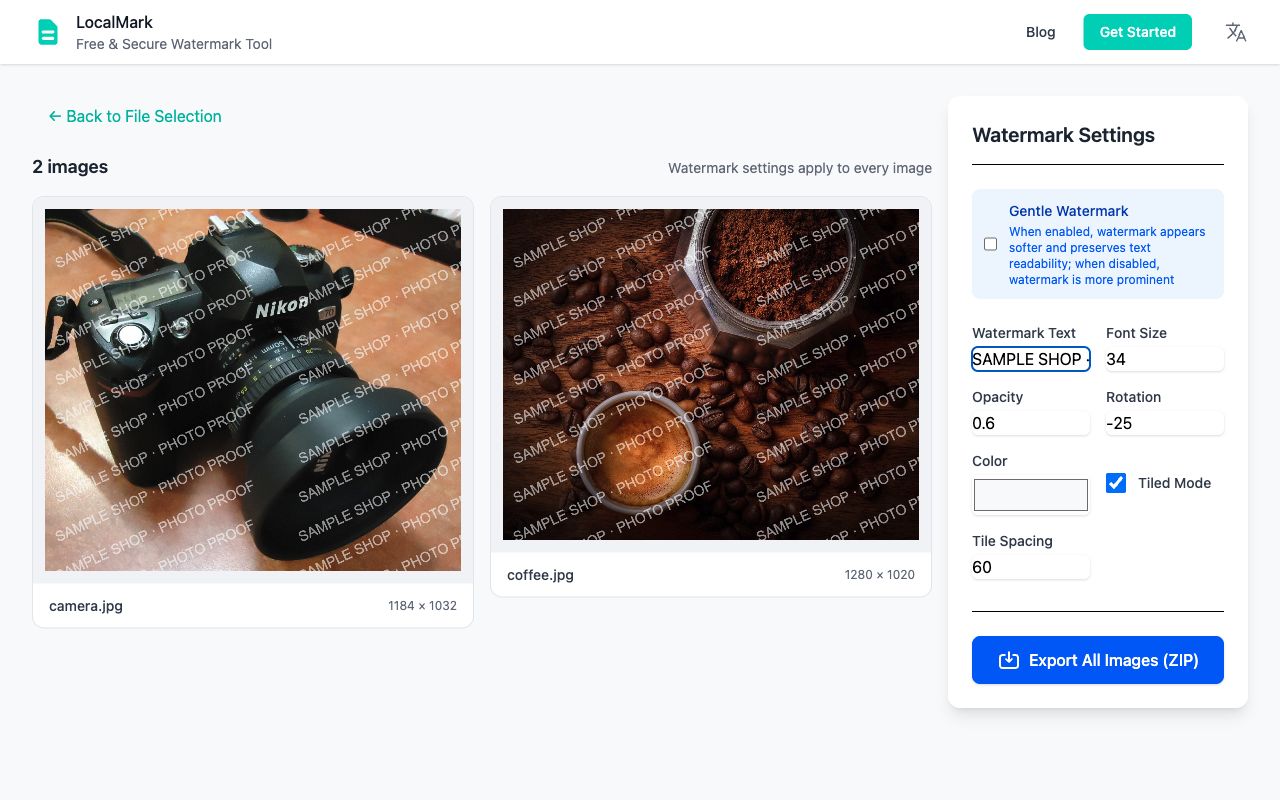
For product photos, select several PNG, JPG or WebP files together. Enter your name or usage notice, adjust rotation and tiling, then check every preview. One settings change updates the whole batch. Download the images as a ZIP; choose PNG or JPG, with optional size controls. Follow the batch image guide for steps and examples.
Limits worth checking before you start
LocalMark currently adds text, not logo watermarks, and processes one PDF at a time. Large documents and high-resolution image batches depend on the memory available on your device; split large batches into smaller groups.
PDF export turns each page into an image. Selectable text, links and editing features may not survive, so keep your original. Choose PNG or JPG, download a batch as a ZIP, or combine images into a PDF in the selected order. Original pixel dimensions are kept unless size controls are used. PNG retains transparency; JPG uses a white background.
File contents are not uploaded. Original files are not saved by default. A recent PDF is stored in this browser only if you opt in, and can be deleted.
Which option should you choose?
Choose LocalMark for straightforward local text watermarking and shared image settings. If you need a logo stamp, cloud file import, page-specific placement or preservation of a PDF’s internal structure, check the relevant product’s feature documentation and test a copy before committing to a workflow. A visible watermark is a usage notice, not a guarantee against copying or removal.